Page Layout and Appearance
Our main focus when it comes to the layout of the website is to make it accessible and user friendly. We want the users of the website to be able to get the information they are looking for quickly and without having to scroll the entire page looking for it. For that reason, the layout is structured with clear sections the user can navigate through. Every clickable button will also stand out from the rest of the page.
The layout will focus on universal design, giving the user plenty of feedback for every action. We will make sure that the page has enough contrast and make the buttons stand out and be easy to spot. The design will be clean to make the website informative without unnecessary distractions. We will make the design responsive, so the user can use the website both on mobile and on their laptop.
The navigation bar will be horizontal on desktops, and it will stick to the top of the page when scrolling. This will make it accessible for the user to navigate to other pages at all times. On mobile devices the navigation bar will be a hamburger menu at the upper right corner of the screen, and the bar will be listed vertically.
The styling that will apply to all pages of the website is listed below:
- Fonts
- H1: Inter regular: 48pt
- H2: Inter regular: 36pt
- Text: Inter regular: 24pt
- Nav-bar: Inter regular: 24pt
- Caption-text: Inter regular: 20pt
- Default fonts: sans family
- Color scheme:
- Text: #032C36
- Background: #FCF7F4
- Buttons: #E6921C
- Logo: #0996B4
- Body-width: 100%
- Nav-bar: 150 px
- Footer: 200 px
- Images: 100%
- Logo: 60 x 60 px in the upper left corner
Content
The webpage will consist of five different pages:
Home page
The home page will contain general information about 3D printers and links to the different pages. This will be the first page the user sees and will work as an informative page that gives the user information of what they can do at the web page.
The goal for this page is to inform the user of the purpose of the website. When the user first enters the website, the goal is for them to immediately understand that it is a site for 3D printers, and that they will know if they have come to the right website or not. It is also important that it clearly emerges that the site is there to help the user with whatever they need. It should therefore not be too much content on the home page, but simple explanations and opportunities to navigate further.

Booking and calendar
This page will make it possible for the user to book a printer at the printer room. The goal is to make it easy to book a printer, as well as seeing when other people have booked the printers.
For the user to quickly go in and book a printer, it is important that the page displays the booking opportunity as visible and easy as possible. It should not be a struggle to find where to fill in the information to book the printer. It should also not be possible to book a printer that is occupied at the same time so that the user does not need to make sure that it is available, the web-site will do it for them.
The goal of having the calendar on the same page is both to let the user know when the printers are available, and for the workshop helpers to quickly get an overview of when many printers are in use to know when extra help might be needed. For the user and the workshop helpers to easily see when the different printers are booked and when they are available, a calendar will be displayed on the same page with clearly marked timespots when the different printers are booked.. It will be on the same page as that booking so that the user does not need to navigate to a new page just to see when the printers are available.


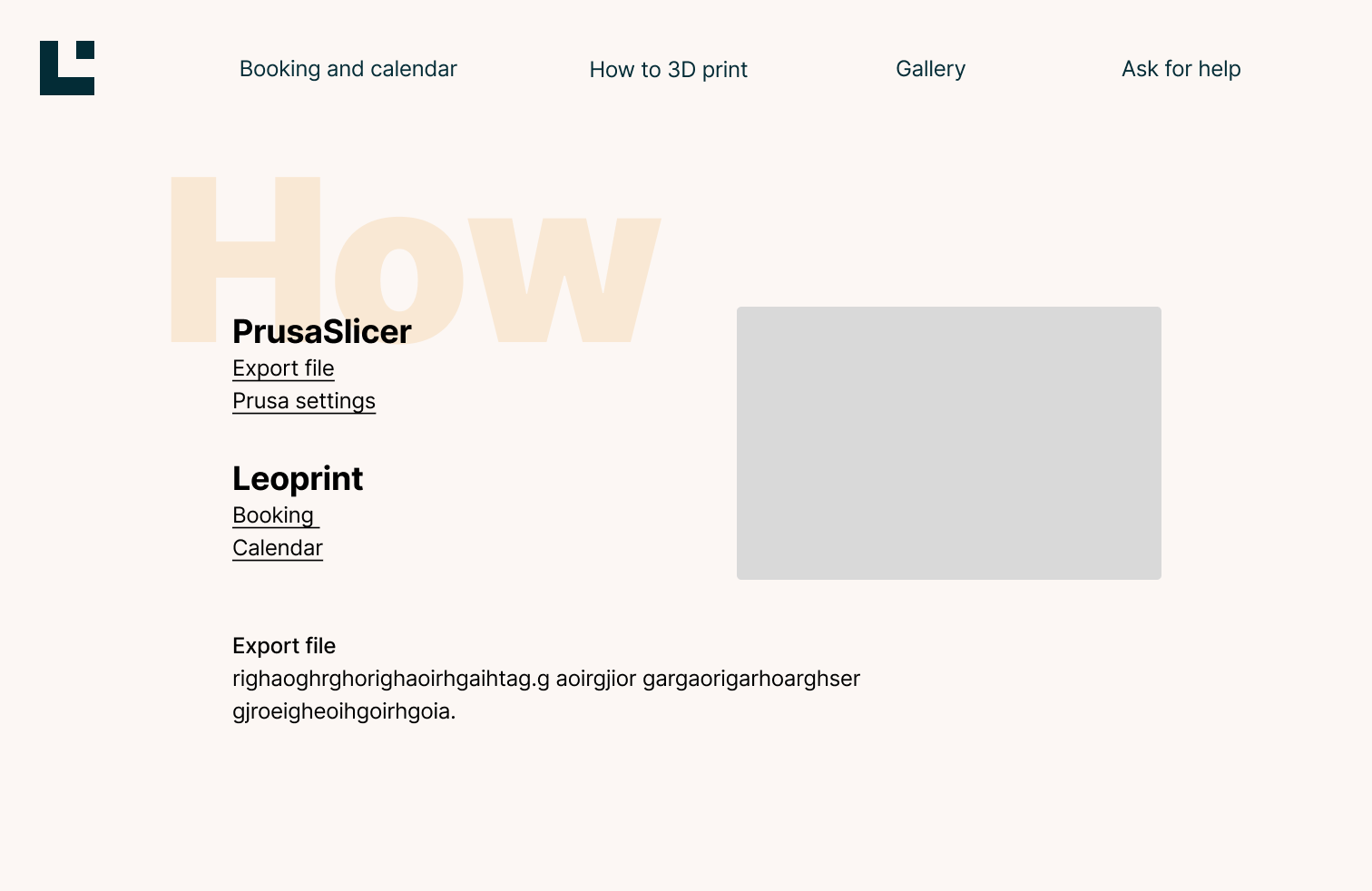
How to 3D print
The goal for this page is to teach the users how to use the 3D printers, and how to book a 3D-printer using the website. For this page to fulfill the goal, it is important that the information is displayed in an efficient way that gives the user just what they need to know. It has to clearly and precisely give instructions on how to start a 3D print without too much filler text and exceptions. Then it can have another section that gives instructions if something in the previous instructions did not go as it should.
Another sub-goal for this page is to take some workload of the workshop helpers. By giving the students a possibility to try printing themselves before they contact the helpers will take off a lot of workload. However, if the user are not able to print even when using tha manual, the page will contain the possibility to go to the “Ask for help” page.
Ask for help
The ask for help page will be a page where the students can ask the workshop helpers for help. The user can ask for help in case a problem occurs with the printers, if the user needs help with anything else or let the workshop helpers know that a printer is broken or dysfunctional.
The goal for this page is to quickly let the workshop helpers know if there is a problem or if anyone needs help, and for the user to have a place to go to if they do not get to print or do not understand how to. It is therefore important on this page that the user can easily fill out a form with name, number and what the problem is, so that the workshop helper knows who to contact and quickly get the message with most of the information they need.

Gallery
The gallery will be a page where students can share their work. This page can give student inspirations and ideas on what is possible to do with the 3D printers. It will both be possible for the user to see others work and share their own. The goal for this page is to share projects on an easily accessed gallery. It is therefore important that the projects are displayed tidy and sorted by either names or release dates so that it is easy to find the different projects. It is also important that it is easy to post the users own projects, so the “+ add new project” button should be displayed at the beginning of the page so that the user does not need to search through the page to find it.
The project will only be displayed in small boxes with a short introduction and reduced images to make the page tidy and reduce the loading time on the page. It will be displayed in a grid that covers most of the page with the size 360x360. It is possible for the user to click on one of the boxes if they want to read more about the project. The grid will be fitted so that when the user opens the page, the row at the bottom of the pages will only display the top of the row with boxes. This is to indicate to the user that they can scroll down the page to see more without saying it directly.

Project
The project page will display the same base-information as the thumbnail (name of the project, name of the creator), as well as the date uploaded, the class and the subject it was made for, and a small text about the project. As well as the 3D printing file, 3D model file, and pictures one by one, vertically. The pictures should be 70% width and auto height, with some padding in between, to make it easier to see and understand the pictures.

